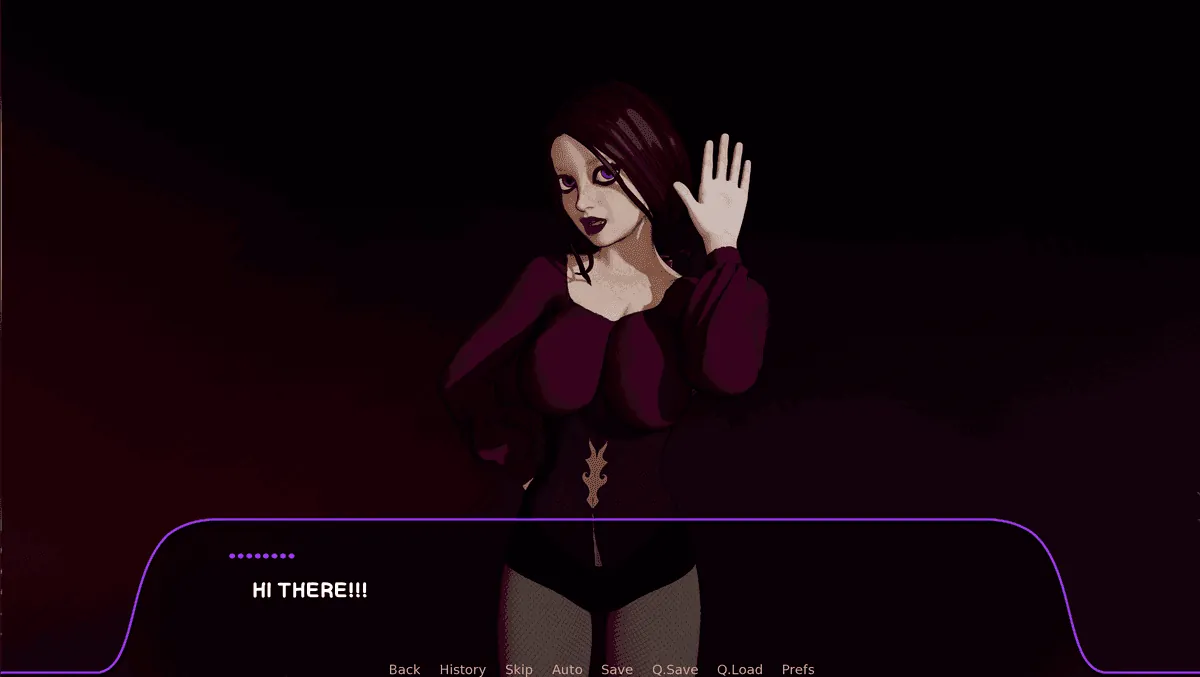
Play Lunar’s Chosen
Lunar’s Chosen Screenshots





Lunar’s Chosen review
Discover Gameplay, Secrets, and Tips for This Free Steam Gem
Hey there, fellow gamers—have you stumbled into the captivating world of Lunar’s Chosen? This free Steam title hooked me from the first scene with its blend of immersive storytelling, steamy encounters, and clever progression systems. As someone who’s sunk hours into it, I remember my initial excitement discovering hidden photoshoots and secret images that unlocked whole new layers of the experience. Whether you’re new or grinding for completion, this guide dives deep into Lunar’s Chosen gameplay, helping you navigate its adult-themed adventures like a pro. Let’s uncover what makes this underrated gem shine and how to maximize your playthrough.
Getting Started: Mastering Lunar’s Chosen Basics
What Is Lunar’s Chosen and Why Play It?
Let me paint you a picture. 🎨 I was scrolling through Steam one evening, a little tired of the usual blockbuster games demanding 100-hour commitments. I stumbled across a title called Lunar’s Chosen, marked as “Free.” My expectations were, honestly, pretty low. Free adult games on Steam can be a mixed bag, right? I braced for clunky mechanics or a bare-bones story.
Oh, how wrong I was. 😲
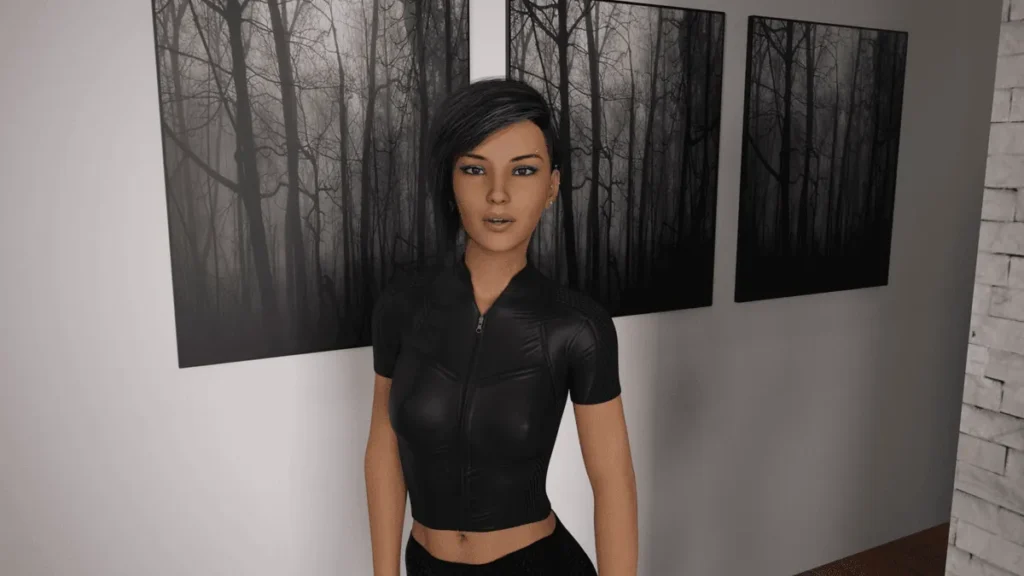
From the moment I launched it, I was pulled into a surprisingly polished world. Lunar’s Chosen is an episodic adult visual novel that masterfully blends character-driven storytelling with engaging, unlockable content. You play as a photographer brought into the orbit of Katie, a captivating model with a mysterious connection to a lunar entity. The Lunar’s Chosen gameplay isn’t about complex puzzles or reflexes; it’s about choices, exploration, and discovery. You navigate through beautifully rendered episodes, make decisions that influence your relationship, and unlock stunning visual rewards.
So, why should you play it? First, it’s genuinely free—no hidden paywalls for the core story. Second, the production quality is absurdly high for a free title; the art is gorgeous, and the writing has real heart. Third, and this is what hooked me, the thrill of discovery is fantastic. Finding your first secret image or triggering a special photoshoot scene feels incredibly rewarding. It’s that perfect “hidden gem” feeling. This Lunar’s Chosen guide exists because I think it’s wildly underrated and more people should experience its unique charm.
Essential Setup and First Steps on Steam
Getting started with Lunar’s Chosen on Steam is straightforward, but a couple of tiny hurdles can trip up new players. Let’s get you from download to first click seamlessly. 🚀
First, the most important step: finding the game. Search for “Lunar’s Chosen” on the Steam store. Because it’s an adult title, you might need to ensure your Steam preferences allow you to see it. If the store page doesn’t show up in your search:
- Go to your Steam Account Details.
- Click on View preferences under the “Store & Content Preferences” section.
- Look for “Adult Content” and make sure the appropriate boxes are checked.
Once you’ve found and installed the game (remember, it’s free! 🎉), launch it. You’ll be greeted by a clean main menu. Before diving into a new game, I highly recommend doing one thing: log into the in-game PC system. This is a central hub for all your Lunar’s Chosen secrets and progress, and it’s linked to your Steam account for cloud saves.
Here’s a quick trouble-shooting table I wish I had when I started:
| Common Hiccup | Quick Solution |
|---|---|
| Game won’t launch or crashes on startup | Ensure your graphics drivers are updated. Most indie VNs are forgiving, but it’s always a good first step. |
| Can’t find the game on Steam | Double-check your adult content preferences in your Steam account settings, as outlined above. |
| Progress didn’t save between sessions | Make sure you properly logged into the in-game PC when you first started. This is crucial for **Lunar’s Chosen PC upload** and cloud functionality. |
The key to a smooth Lunar’s Chosen Steam experience is that initial login. It syncs your unlocks—like those coveted secret images—across devices. Think of it as your personal gallery in the cloud. Now you’re ready to begin your journey and learn how to play Lunar’s Chosen effectively!
How to Unlock Your First Key Features?
The magic of Lunar’s Chosen gameplay lies in its progression system. You don’t just read a story; you actively uncover it. Your primary tools are the episode playthrough and the in-game PC. The PC is your mission control. From here, you can replay episodes, track your choices, and, most excitingly, access two critical sections: “Progress” and “Secrets.”
The “Secrets” section is where the red ‘?’ button lives. This is your gateway to the hidden image collection, unlocked by finding specific triggers during episodes. But before you go secret-hunting, you need to engage with the core activity: Lunar’s Chosen photoshoots.
My most memorable “aha!” moment was unlocking my first photoshoot with Katie. It was during the evening segment of an early episode. The dialogue options felt more flirty and direct, and suddenly, the scene transitioned from a conversation to a more intimate, directed photoshoot. The game rewarded my attentive choice-making with a beautiful, exclusive scene. This is the core loop: play episodes, make engaging choices, and unlock special content that gets saved to your PC.
Let’s get you your first unlock. Here is a step-by-step walkthrough to trigger an early photoshoot, so you can see the system in action:
- Start a New Game: Begin Episode 1. Pay attention to the dialogue and atmosphere.
- Progress to the Evening: Keep playing until the in-game time shifts to evening. The visuals and tone will change.
- Choose Engaging Dialogue: When interacting with Katie, select options that show a professional yet curious interest. Avoid the most passive or dismissive replies.
- The Trigger Moment: In a specific evening scene, you’ll be given a clear option to suggest or agree to a more formal “shoot.” Choose it!
- Enjoy the Scene: The game will transition into your first photoshoot mode. Sit back and enjoy the reward for your engagement.
- Upload to Your PC: After the scene concludes and you save/exit, go to the main menu and access the in-game PC. Check the “Progress” section—you should see your first photoshoot marked as unlocked! This is the basic Lunar’s Chosen PC upload process in action.
To avoid common newbie mistakes: Don’t rush through text. The triggers for photoshoots and secrets are often tied to specific conversational choices. Also, explore all clickable elements in a scene; sometimes a secret is hidden in plain sight. The Lunar’s Chosen gameplay rewards patience and exploration.
Remember, every major unlock feeds back into your in-game PC, building your personal collection. It’s a fantastically satisfying system. Now that you’ve mastered the basics of how to play Lunar’s Chosen, you’re ready to dive deeper. In the next chapter, we’ll explore advanced choice patterns, how to decode the secret image triggers, and strategies to complete your entire collection! 🧩
Pro Tip: Replay episodes! Your choices matter, and different paths can lead to totally different unlockable scenes. The in-game PC tracks your percentage for each episode, so you know when you’ve found everything.
Frequently Asked Questions (Getting Started)
Q: I’ve downloaded the game from Steam, but I can’t see any adult content. What’s wrong?
A: This is almost always a Steam store filter issue, not a game issue. Go to your Steam Account Details > View Preferences > “Adult Content” and ensure you’ve enabled the visibility for adult-only games. Restart Steam afterward. Lunar’s Chosen Steam page and content will then be fully accessible.
Q: Is the in-game PC login mandatory, and what does it do?
A: It’s highly, highly recommended. Logging in links your progress and unlocks to your Steam account, enabling cloud saves. This means your secret image collection and photoshoot progress are saved online and can be retrieved if you switch PCs or need to reinstall. It’s the backbone of your Lunar’s Chosen progression.
Q: I played through an episode but didn’t unlock any photoshoots or secrets. Did I do something wrong?
A: Not necessarily wrong, but you likely took a more neutral or passive story path. Lunar’s Chosen gameplay uses a choice-based system where active, engaging, and sometimes bold dialogue choices lead to the special scenes. Try replaying the episode and making different choices, especially during key moments like evening conversations. Exploration is key!
There you have it—your roadmap to conquering Lunar’s Chosen, from those initial photoshoots with Katie to hunting down every secret image on the in-game PC. I still get that rush replaying episodes, tweaking choices for fresh paths, and uncovering hidden depths in this free Steam standout. It’s the perfect mix of story, strategy, and adult thrills that keeps me coming back. Dive in today, experiment with progression, and share your wildest unlocks in the comments. What’s your favorite moment so far? Grab it on Steam and start your adventure now—happy gaming!